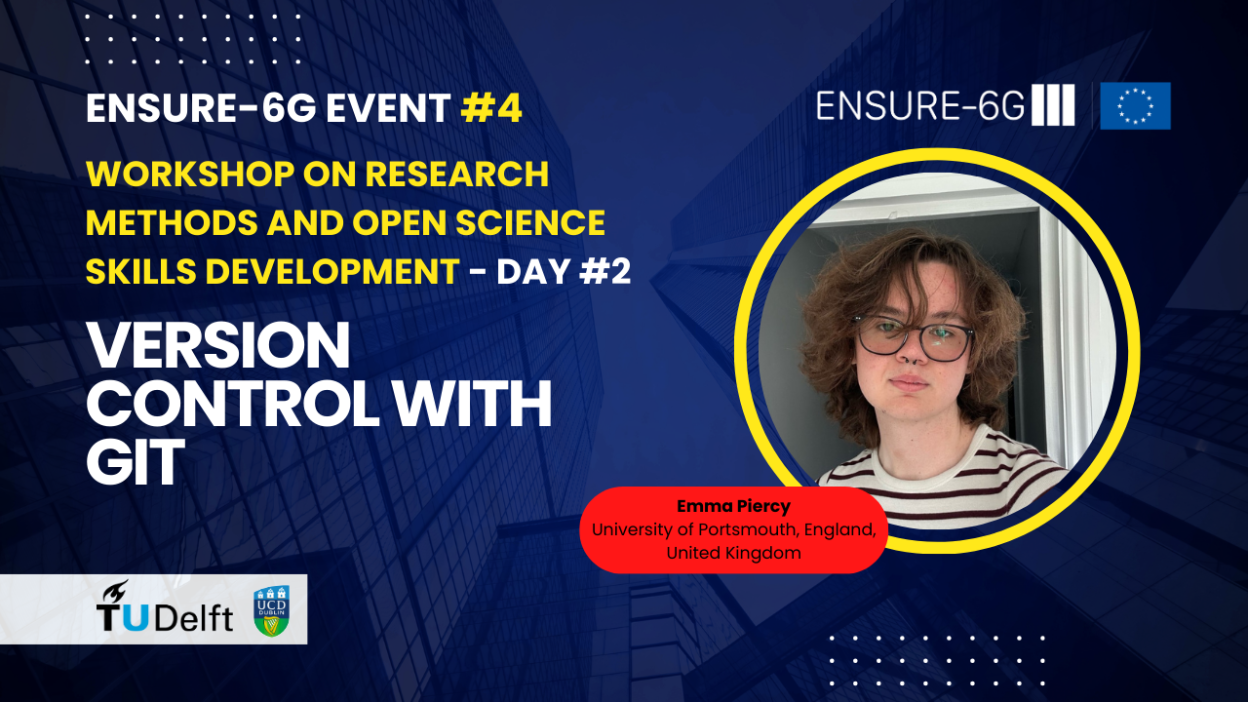
In the collaborative world of modern research and software development, managing changes, tracking contributions, and ensuring seamless teamwork are paramount. This was the focus of an insightful session at ENSURE-6G Event #4: Workshop on Research Methods and Open Science Skills Development – Day #2, where Emma Piercy from the University of Portsmouth, England, United Kingdom, delivered a talk on “Version Control with Git.”
Emma’s presentation demystified Git, a powerful tool that, while often associated with enterprise software development, holds immense value for researchers, especially within large-scale projects like ENSURE-6G.
Understanding the Fundamentals of Git
Git is a version control software that allows users to track changes in files, store these changes as “commits,” and manage different “branches” of a codebase [00:23]. Key concepts introduced include:
- Git Repository: Stores all changes and data related to the codebase [00:38].
- Commits: Snapshots of the codebase, containing metadata like hash IDs, timestamps, and authors, representing the smallest unit of change in Git [00:46].
- Branches: Series of commits that allow developers to work on specific features or changes in isolation without affecting the main codebase [01:03].
- Distributed Nature: Every team member can have a local copy of the repository, enabling independent work that can later be synced [02:14].
Emma highlighted that Git’s origins are deeply rooted in open-source, with Linux’s creator developing it to manage the project’s massive scale [01:25]. Today, it’s used extensively in both private and public sectors, including powering web browsers through projects like Chromium [01:53].
Git for Project Management: Beyond Code
While Git’s technical capabilities are robust, its integration with web interfaces like GitHub and GitLab transforms it into a powerful project management tool. Emma showcased how these platforms facilitate:
- Task Management with Issues: Issues serve as units of work, allowing for easy tracking of progress, allocation of tasks, and understanding of deadlines. These can be broken down into smaller “sub-issues” for granular management [04:16].
- Kanban Boards and Agile Sprints: Direct integration with Kanban boards and support for Agile sprints enable visual tracking of tasks (e.g., “ready to pick up,” “in progress”) and future planning [10:04].
- Gantt Charts: GitHub offers Gantt chart features for roadmapping and scheduling issues to align with project milestones and stakeholder meetings [11:05].
This comprehensive approach allows for clear communication and synchronized efforts across large teams, significantly enhancing developer and researcher experience [11:48].
Collaborative Workflows: Branches, Merges, and Pull Requests
The core of collaborative work in Git lies in its branching and merging capabilities:
- Creating Branches: Researchers can create separate branches for individual features or sections of a paper, ensuring that their work doesn’t interfere with the main project or other collaborators’ efforts [13:08].
- Committing Changes: Regular commits with descriptive messages document the evolution of the work [12:17].
- Pull Requests (PRs): A common feature in Git platforms, PRs allow collaborators to review changes before they are merged into the main branch. This facilitates feedback, identifies potential issues (like security flaws in code or grammatical errors in a paper), and ensures quality control [16:05].
- Merge Conflicts: When different branches modify the same part of a file, merge conflicts arise. While often seen as a “pain point,” Git provides mechanisms to resolve these, sometimes automatically, but often requiring human intervention to decide how changes should be integrated [15:16].
- Reverting Changes: A particularly powerful feature is the ability to easily revert commits, essentially undoing unwanted changes. This acts as a crucial safety net, especially when dealing with potentially broken or incorrect submissions [20:40].
Git’s Power for Research and 6G Projects
Emma specifically highlighted how researchers can leverage Git in their work:
- LaTeX Integration: Git seamlessly integrates with LaTeX documents, allowing for collaborative writing, easy addition of new packages, and reversion of changes. Overleaf, a popular online LaTeX editor, has direct integration with GitHub, enabling synchronization of changes directly from the web interface [18:48]. This is particularly useful for academic publications, where multiple authors can contribute without losing track of revisions.
- Work Package Management: In large projects like ENSURE-6G, work packages can be broken down into Git issues and sub-issues, providing a structured approach to task allocation and deadline management [19:16].
- Documentation and Reproducibility: Git’s robust versioning system serves as an invaluable tool for documenting research progress, ensuring reproducibility, and understanding the evolution of a project.
The discussion also touched on the importance of self-hosting Git instances (like Git Tea) or using enterprise offerings (GitHub Enterprise, GitLab Enterprise) for sensitive projects or proposals, providing local control and administration of repositories [26:43].
Conclusion
Emma Piercy’s presentation underscored that version control with Git is an essential skill for anyone involved in collaborative work, particularly in research and engineering domains like 6G development. By embracing Git, researchers can enhance their project management, streamline collaboration, ensure data integrity, and ultimately, produce more valuable and reproducible scientific output.
Watch the full session here: